Chapter 1: Core Concepts - Visual Thinking & Version Control
The Foundation of Professional Documentation
Before we dive into creating stunning diagrams and tracking every change, let's understand the powerful concepts that will transform your documentation workflow forever.
1.1 Visual Thinking: From Text to Graphics
The Mermaid Revolution
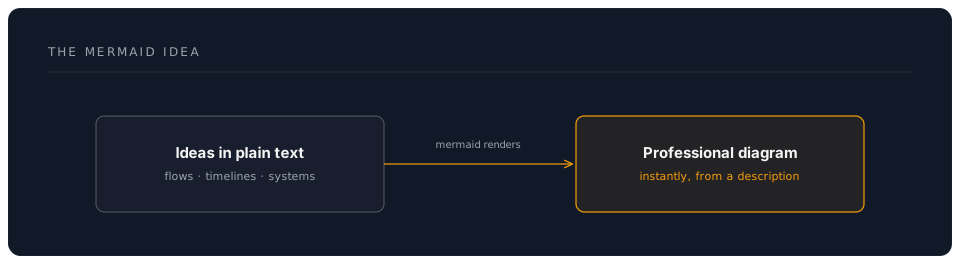
Mermaid is a game-changing tool that converts text descriptions into professional diagrams. Think of it as:
Why Text-Based Diagrams Win
Traditional Diagramming:
- Open specialised software
- Manually draw shapes
- Align and connect elements
- Export as image
- Update? Start over!
Mermaid Approach:
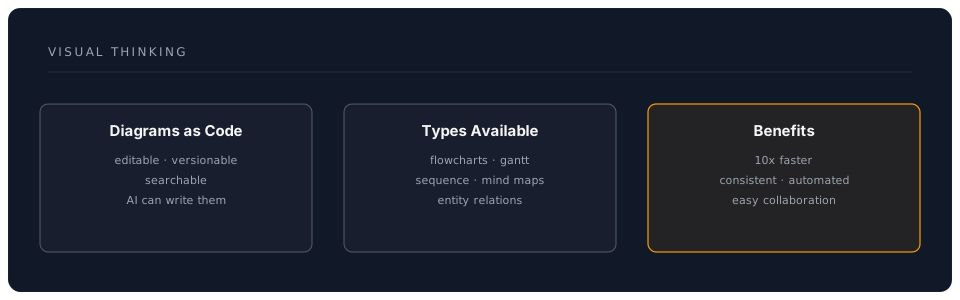
- Type what you want
- Instant professional diagram
- Change text = Update diagram
- Version control friendly
- AI can generate for you
The Mental Model Shift
1.2 Mermaid Diagram Types
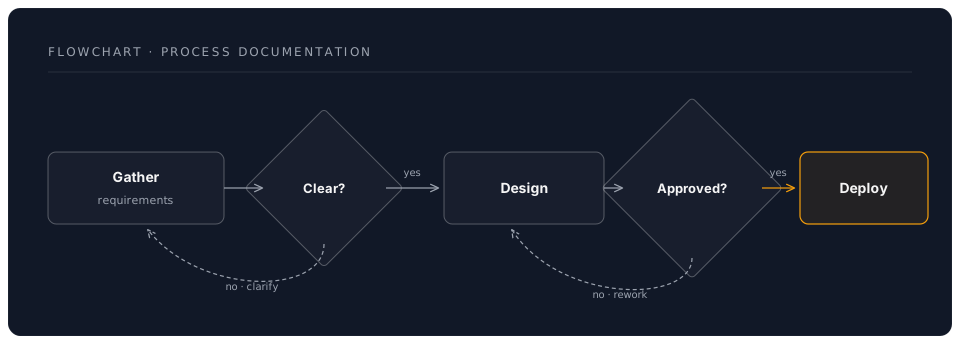
1. Flowcharts - Process Documentation
Perfect for showing decision flows, processes, and algorithms:
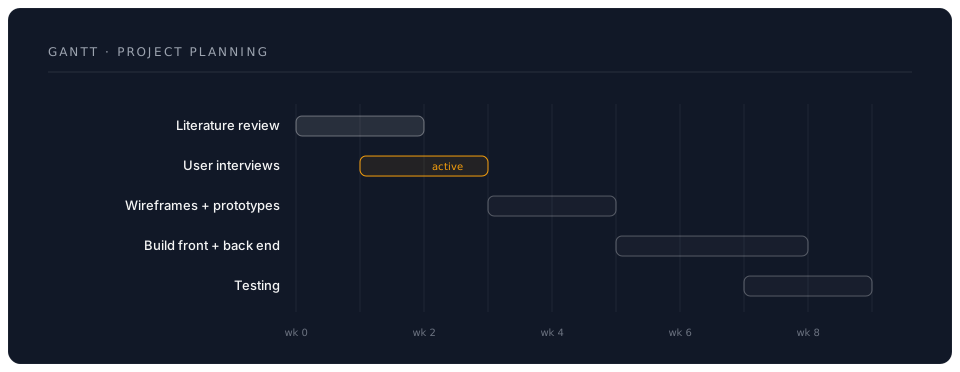
2. Gantt Charts - Project Planning
Transform project timelines into visual roadmaps:
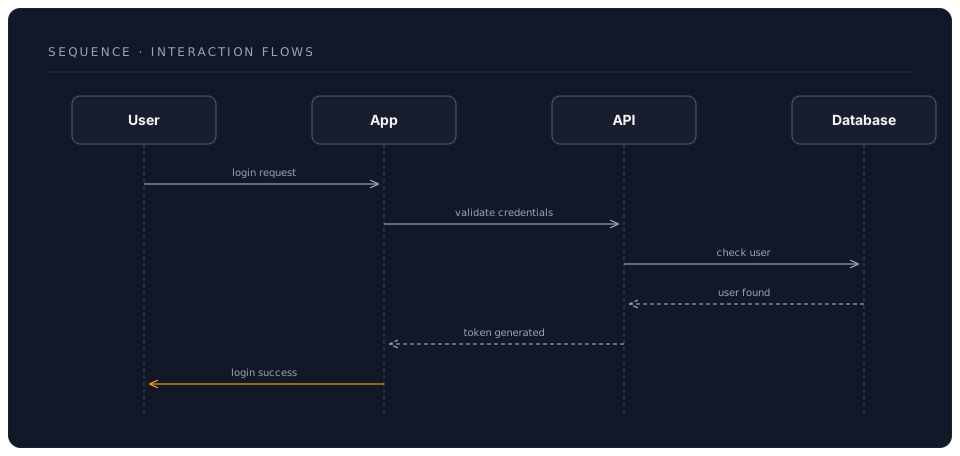
3. Sequence Diagrams - Interaction Flows
Show how different parts of a system communicate:
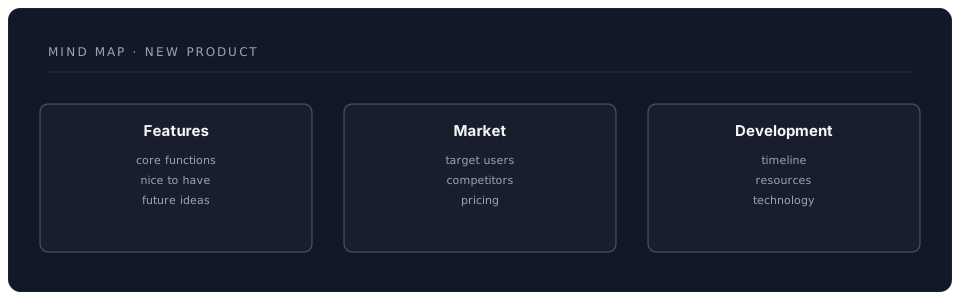
4. Mind Maps - Brainstorming
Organise thoughts and ideas visually:
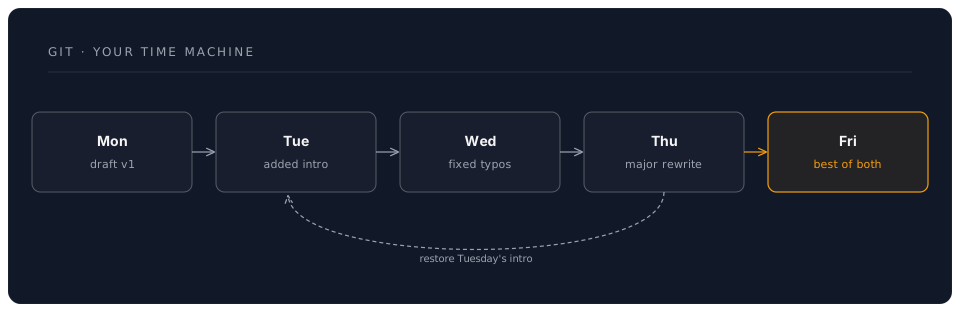
1.3 Version Control: Your Time Machine
What Is Git?
Git is a system that tracks changes to your files over time. Imagine:
Core Concepts Simplified
Repository (Repo)
- Your project's home
- Contains all files and history
- Like a smart folder that remembers everything
Commit
- A snapshot in time
- Like pressing "Save" with a note
- Can always return to any commit
Branch
- Parallel version of your work
- Experiment without breaking things
- Merge back when ready
Remote
- Cloud backup (GitHub)
- Collaboration hub
- Portfolio showcase
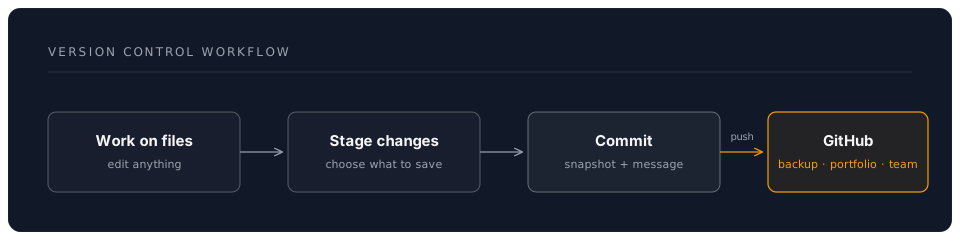
The Version Control Workflow
1.4 GitHub: Your Professional Platform
More Than Storage
GitHub transforms Git into a complete professional platform:
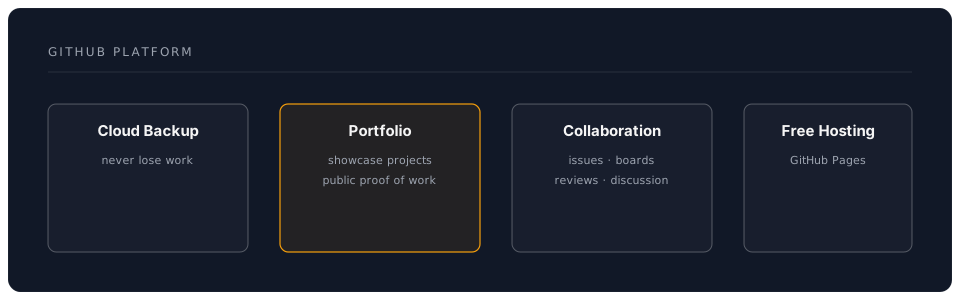
Key Benefits for Non-Developers
-
Professional Profile
- Public portfolio of your work
- Contribution history
- Professional credibility
-
Collaboration Without Email
- Comments on specific lines
- Suggest changes
- Track discussions
-
Free Website Hosting
- GitHub Pages
- Automatic from your repo
- Professional URLs
-
Project Management
- Issue tracking
- Project boards
- Milestone planning
1.5 Integration Magic
Mermaid + Git + GitHub = Superpowers
When combined, these tools create a documentation system that:
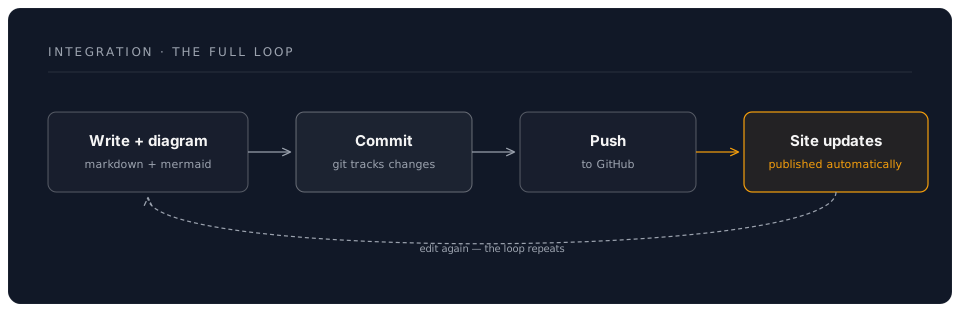
Real-World Workflow
- Morning: Create project plan with Gantt chart
- Afternoon: Update progress, diagram auto-updates
- Evening: Commit changes with clear message
- Night: Work backed up to GitHub
- Next Day: Continue with full history
1.6 Security & Privacy Considerations
Your Control Panel
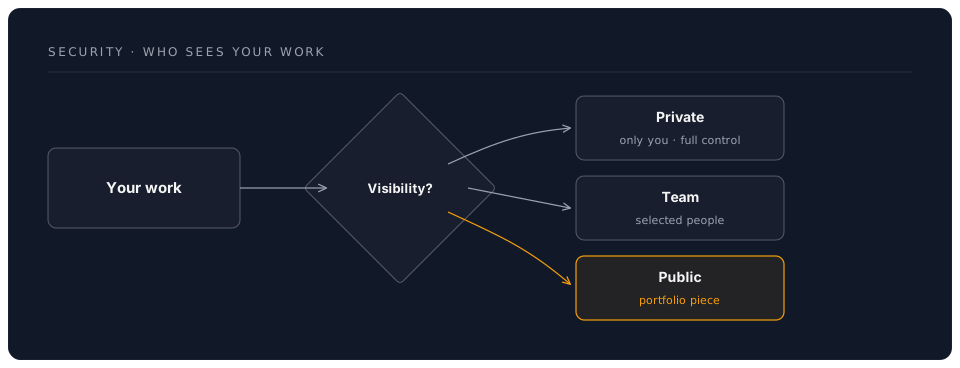
Best Practices
-
Sensitive Information
- Never commit passwords
- Use private repos for confidential work
- Review before pushing
-
Intellectual Property
- Understand your organisation's policies
- Use private repos for proprietary work
- Add appropriate licenses
-
Personal vs Professional
- Separate accounts if needed
- Clear commit messages
- Professional presence
1.7 The Learning Path Ahead
Today's Journey
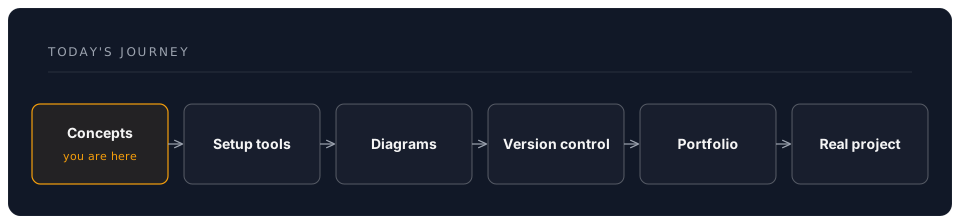
Skills You'll Master
- Immediate: Create any diagram in minutes
- Today: Full version control workflow
- This Week: Collaborative documentation
- This Month: Complete documentation system
- Ongoing: Portfolio that grows with you
Key Takeaways
✅ Mermaid converts text to professional diagrams instantly
✅ Git creates a time machine for your work
✅ GitHub provides professional hosting and collaboration
✅ Integration multiplies the power of each tool
✅ Visual thinking communicates complex ideas simply
Mental Preparation
Before the hands-on section:
- Forget everything about "this is for developers"
- Embrace the power of text-based diagrams
- Trust that version control will save you time
- Imagine never losing work again
- Prepare to impress colleagues